Similar Posts
How to Complete Work Orders by Ops [Video]
Step 1. Login into OPS user account Step 2. Click Menu Item “Work” and Then Choose “Work Orders” Step 3. Click On Magnifier to Find and Browse Open Work Orders Step 4. Choose a Schedule Date and Press Enter Step 5. Change Work Order Status to Completed Step 6. Click on Save Record To Complete…
How To Create a Work Request [Desktop]
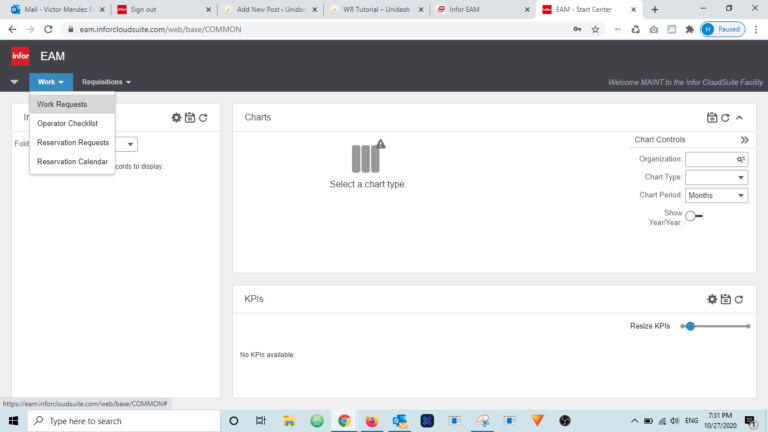
Step 1 . Visit Unidash.net To access Infor EAM and submit a Work Request, please go to;https://unidash.net Step 2 . Login Step 3 . Choose Work Request Menu Step 4 . Choose and Organization Click on the Organization Dropdown and choose PRD organization. Step 5 . Choose an Equipment Step 6 . Fill Out Required…
How to Create a Work Request Using a Desktop Computer
Step 1. Login into your user account Click here to access Hexagon’s Login Page Step 2. Click Menu Item “Work” and Then Choose “Work Requests” Step 3. Review Work Requests Before creating a new Work Request, please review the existing Ones. If no one else has already entered a Work Request for the same equipment,…
EAM Mobile App Configuration
Step 1 . Find and Download EAM Phone App Visit you App Store and search for the Infor EAM app for iPhone.EAM Phone app will only allow you to View Work Orders, and/or create Work Requests. Step 2 . Setup Connection Before you can login, the app needs to be setup. Please, tap the Setup…
How to Create a Work Request Using an iPhone
Step 1. Download and Configure the iPhone App, EAM Phone Visit the Tutorial below and follow the steps Tutorial Mobile Configuration Then, come back to this page and continue with Step 2. Step 2. Login into your user account Step 3. Click Menu Item “Work” and Then Choose “Work Requests” Step 4. To Attach a…
![New Task Request [Staff Only]](https://unidash.net/wp-content/uploads/eam-new-task-form-20250107-768x363.png)
![How to Complete Work Orders by Ops [Video]](https://unidash.net/wp-content/uploads/wo-close-ops-filter-20240412-768x354.png)
![How To Create a Work Request [Desktop]](https://unidash.net/wp-content/uploads/20201027-infor-unidash-01-768x436.png)